01
Kiosk
Dedicated self-service ordering for a configured restaurant domain and terminal.
Kiosk

Guests browse the menu, configure their order, and use the checkout methods enabled for the kiosk. The order enters the configured kitchen and POS flow.
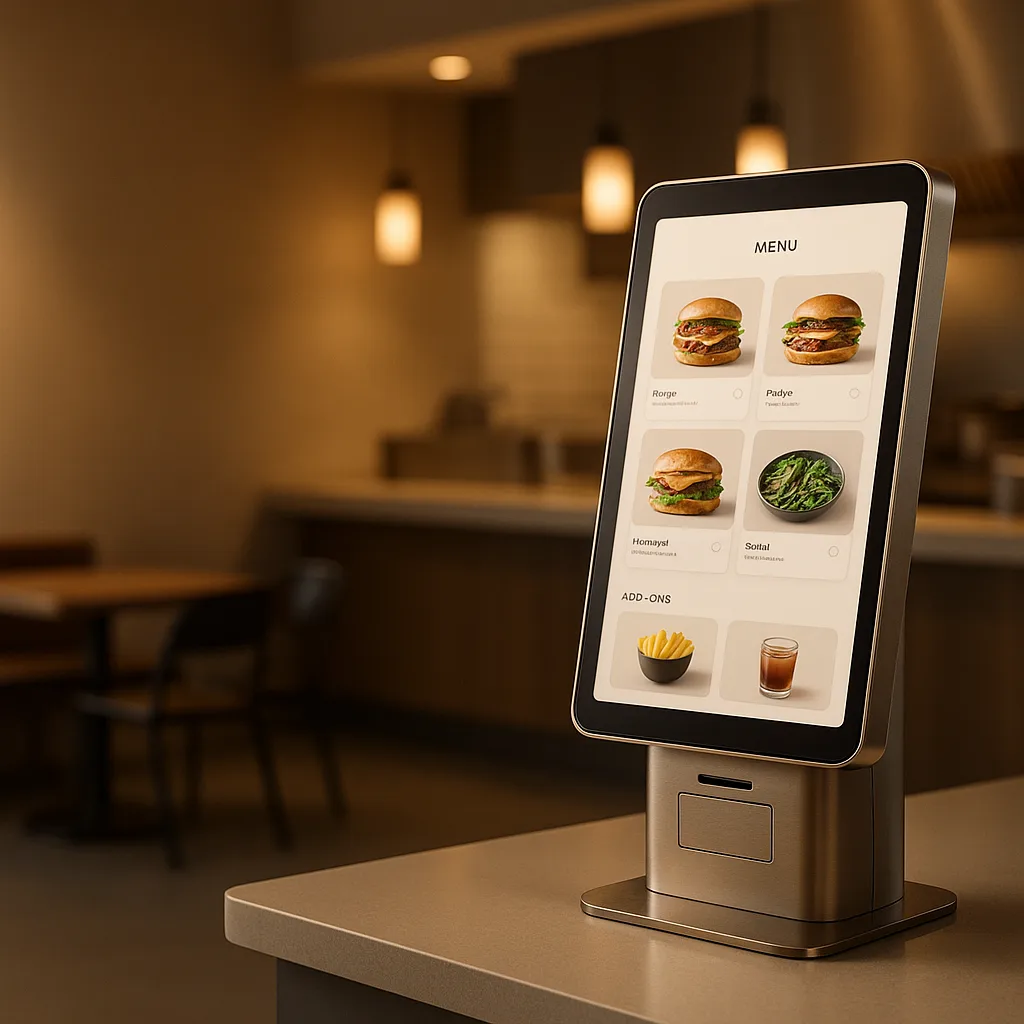
Explore the application formats available for this product and choose the one that best fits your operation.
Dedicated self-service ordering for a configured restaurant domain and terminal.
Guests control the pace while the menu, payment, and kitchen handoff remain connected to the same operating flow.
Customers browse menu, customize orders, and pay at their own pace without staff assistance
Present compatible suggestions, extras, and combinations while the customer builds the order
Offer card, contactless, mobile, or cash options according to the configured payment hardware
Customers can customize every aspect of their order with modifiers and special requests
Serve diverse customer base with support for multiple languages
Confirmed orders are sent to the configured kitchen displays and printers
Kiosk App keeps self-service ordering connected to the configured catalog, checkout, and kitchen handoff instead of creating an isolated channel.
Kiosk App supports validated touchscreen configurations across selected Android, iPadOS, and Windows hardware. We confirm browser, peripherals, payment terminal, printer, and mounting compatibility before rollout.
Yes. Card payments through Disqober In-Person Payments (chip, contactless, Apple Pay, Google Pay) and cash through the POS once the order lands there. Kiosk-printed tickets keep the back-of-house flow identical to counter orders.
Modifiers, extras, and combinations can be presented consistently before checkout. That creates more merchandising opportunities than a rushed counter interaction, but the website does not promise a specific ticket uplift.
Yes. Customers pick a language at the kiosk entry screen, and the menu is served from the same shared multi-locale engine that powers Web, Mobile, QR, and Table channels.
Kiosk orders enter the same order flow as every other channel: Work App receives them, the POS gets the ticket if connected, and kitchen printers or KDS displays show the order alongside in-house tickets. No separate kiosk queue.