
Disqober Work App
One inbox for orders from your channels.
A workspace for your team: receive, accept, and route orders from configured channels in one shared flow.
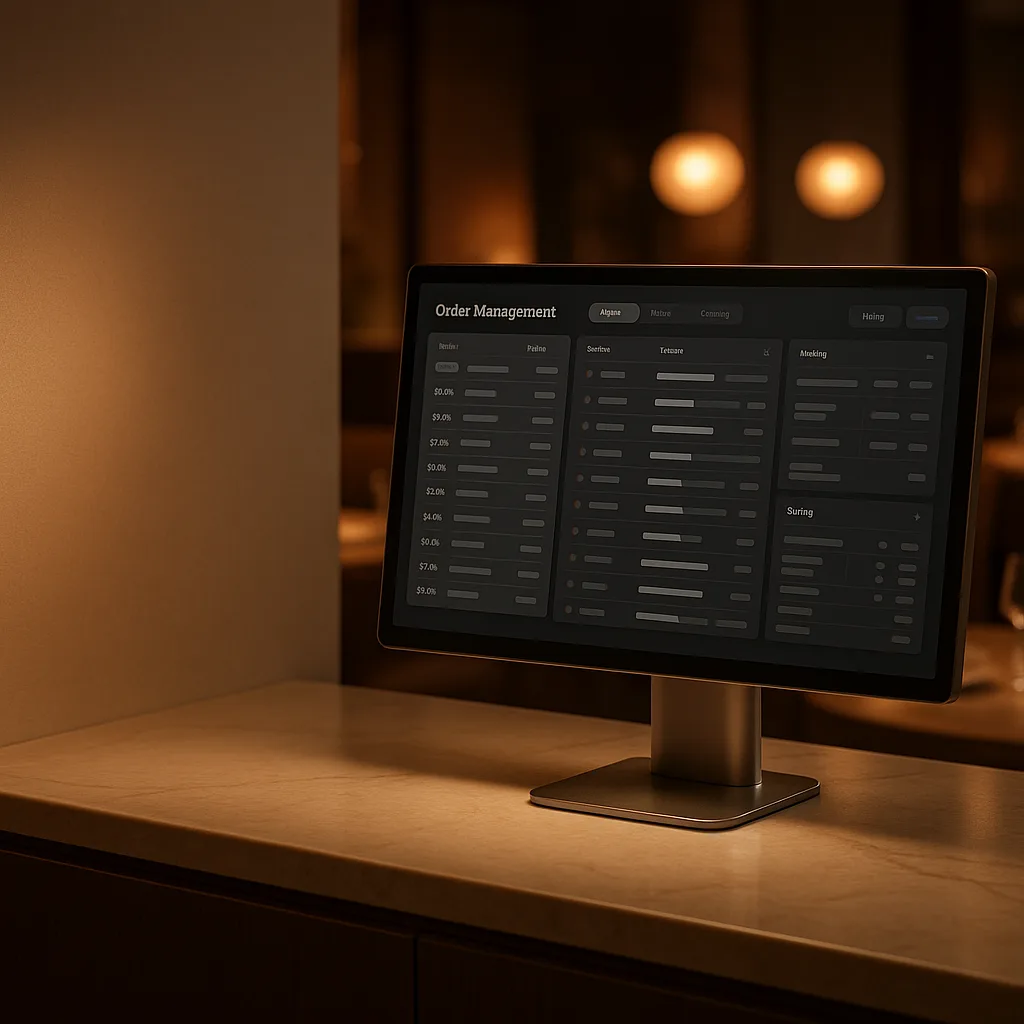
Every order enters the same working rhythm.
Receive, decide, route, print, and follow orders without giving each channel its own isolated workflow.
- 01
Order notifications
Receive alerts for incoming orders from configured channels
- 02
Accept orders
Accept an order and attach the estimated preparation time.
- 03
Reject with a reason
Record why an order is rejected and notify the customer where the channel supports it.
- 04
Kitchen printing
Send supported tickets to the configured kitchen and bar printers.
- 05
POS integration
Pass supported order data through a compatible POS connector.
- 06
Order analysis
Review order activity across the configured channels.
One queue. One team. One order state.
Work App turns channel traffic into a shared restaurant workflow instead of another collection of tablets and portals.
- Every direct and third-party order reaches one operational inbox
- Acceptance, rejection, and preparation context stay attached to the order
- Kitchen printing and POS handoff follow the configured route
- The team sees the same real-time status instead of checking separate tablets