
Hardware for the operation you already have.
Terminals, printers, tablets, kiosks and kitchen displays, with a service scope adapted to each rollout. Choose a managed kit or ask us to assess your compatible equipment.
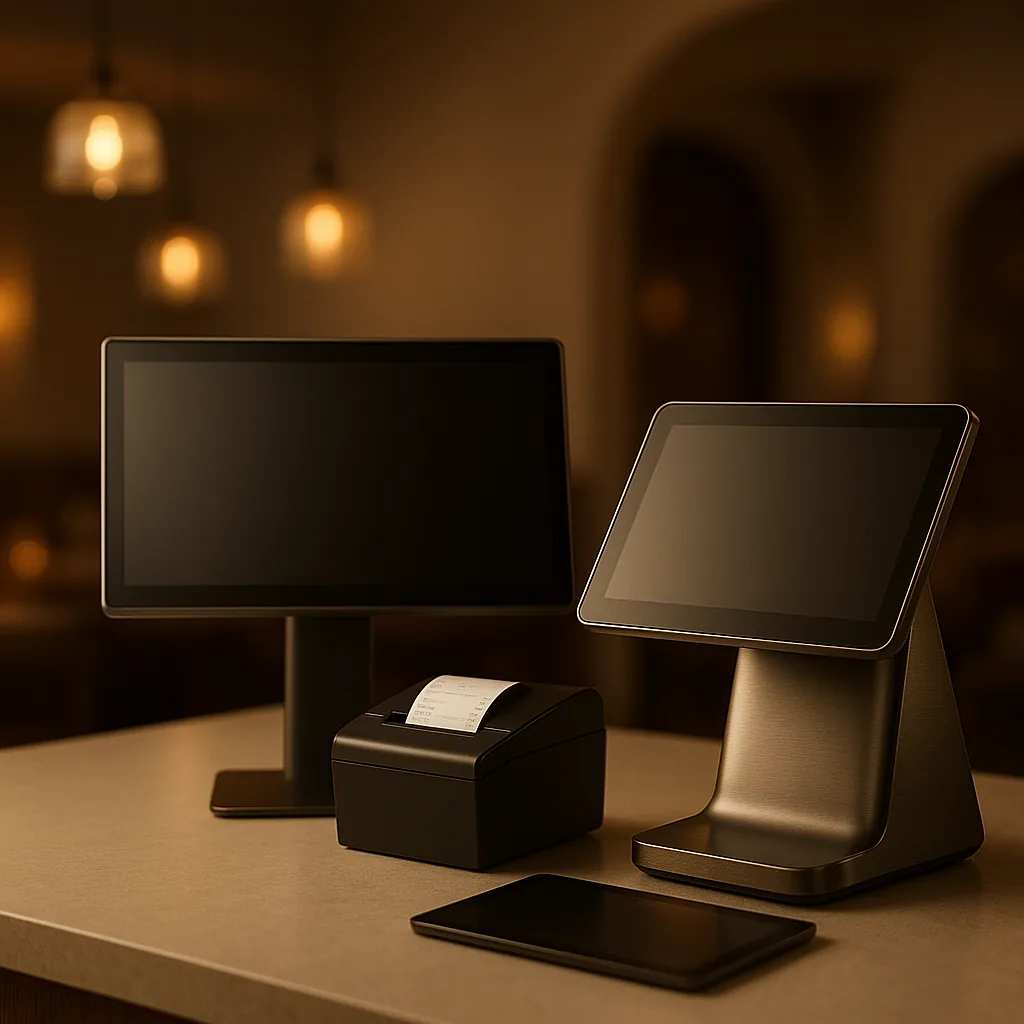
The equipment around the order, specified as one system.
We map the devices each operational point needs, then define which existing equipment can stay and which managed components complete the rollout.
- 01
POS terminals
Validated touchscreen terminals for configured counter and bar setups.
- 02
Tablets and stands
Compatible iPadOS and Android tablets with mounting options defined for the rollout.
- 03
Kitchen printers
Compatible thermal printers for configured kitchen, bar, and receipt routes.
- 04
Self-service kiosks
Validated kiosk configurations with compatible peripherals and a payment setup defined in the proposal.
- 05
Network equipment
Routers and access points selected for the venue's documented network requirements.
- 06
Kitchen display systems
Compatible kitchen displays for the configured production workflows.
Keep compatible hardware. Add only what the operation needs.
The commercial proposal documents compatibility, installation and support before rollout, without assuming the same scope for every venue.
- Rent ours, or use what you have — Choose a managed hardware kit or let us assess the compatible equipment you already own. The proposal states the installation and support scope for each device.
- One defined service scope — Installation, configuration, support and replacement options are documented in the proposal, so your team knows what is covered before rollout.
- Compatible with your current operation — Each device connects with the same POS, payments, kitchen screens, and delivery-management tools used by Disqober. Hardware compatibility is confirmed during setup.