01
Ordering app for your restaurant
A branded iOS and Android ordering app for one restaurant or restaurant brand.
Ordering app for your restaurant

Launch a branded ordering app for one restaurant or configure it for a group with several brands and locations.
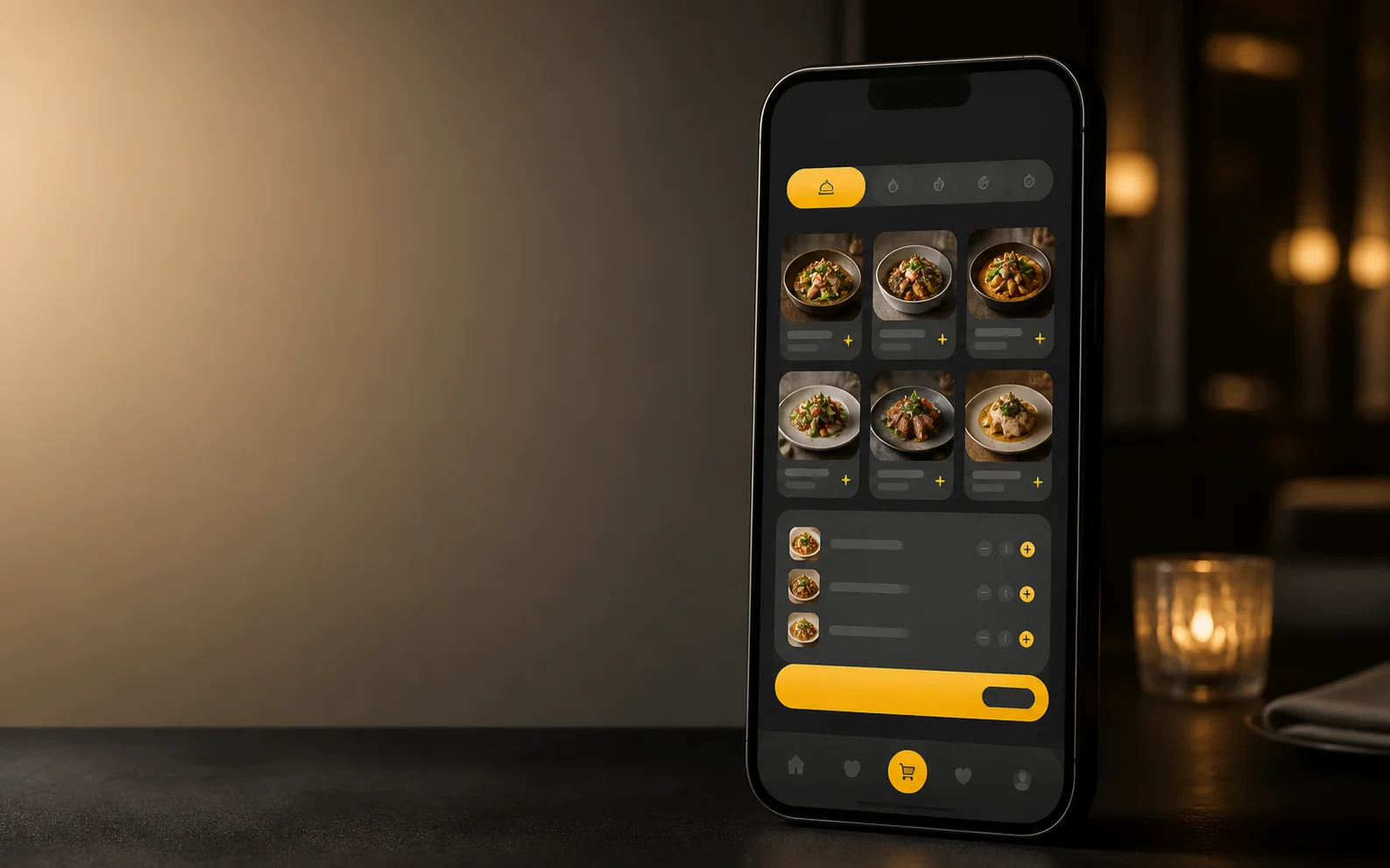
Explore the application formats available for this product and choose the one that best fits your operation.
A branded iOS and Android ordering app for one restaurant or restaurant brand.
A branded iOS and Android ordering app for groups with several brands, locations, or restaurants.
Use the individual configuration for one restaurant or brand, and the group configuration for several brands, locations, or restaurants.
Choose this when one restaurant or brand needs its own ordering app for iOS and Android.
Choose this when a group needs one iOS and Android app for several brands, locations, or restaurants.
Both options use the products, prices, availability, checkout, and operational configuration managed in Disqober.
Branding, publication, stores, payment methods, and available functions are defined according to the chosen app.
Use these four criteria to identify the right starting point. We define the final scope with you before publication.
Mobile App is available for iOS and Android. It can be configured for one restaurant or brand, or for a group with several brands, locations, or restaurants.
Configured Mobile App implementations use the shared catalog and ordering rules alongside the other connected Disqober surfaces. The exact menu, checkout, and update behavior depends on the selected implementation and venue configuration.
Returning-customer journeys depend on the selected implementation, customer identity, consent, and the loyalty or communication tools connected to the operation. The rollout scope defines which order-history, notification, and loyalty capabilities are enabled.
The iOS and Android publication, store accounts, branding, and restaurant or group configuration are confirmed in the rollout scope.
Supported in-app payment methods depend on the selected implementation, payment provider, market, and venue configuration. The proposal identifies the methods and operational flow enabled for the rollout.
The pricing page loads the Mobile App plans currently published for your market. Compare their included volume, connection charges, and variable terms there, then choose the plan that fits your expected operation; this page does not prescribe a handwritten tier path.