01
Table QR
Guest ordering from a table QR, including menu, cart, checkout, payment, and order status.
Table QR

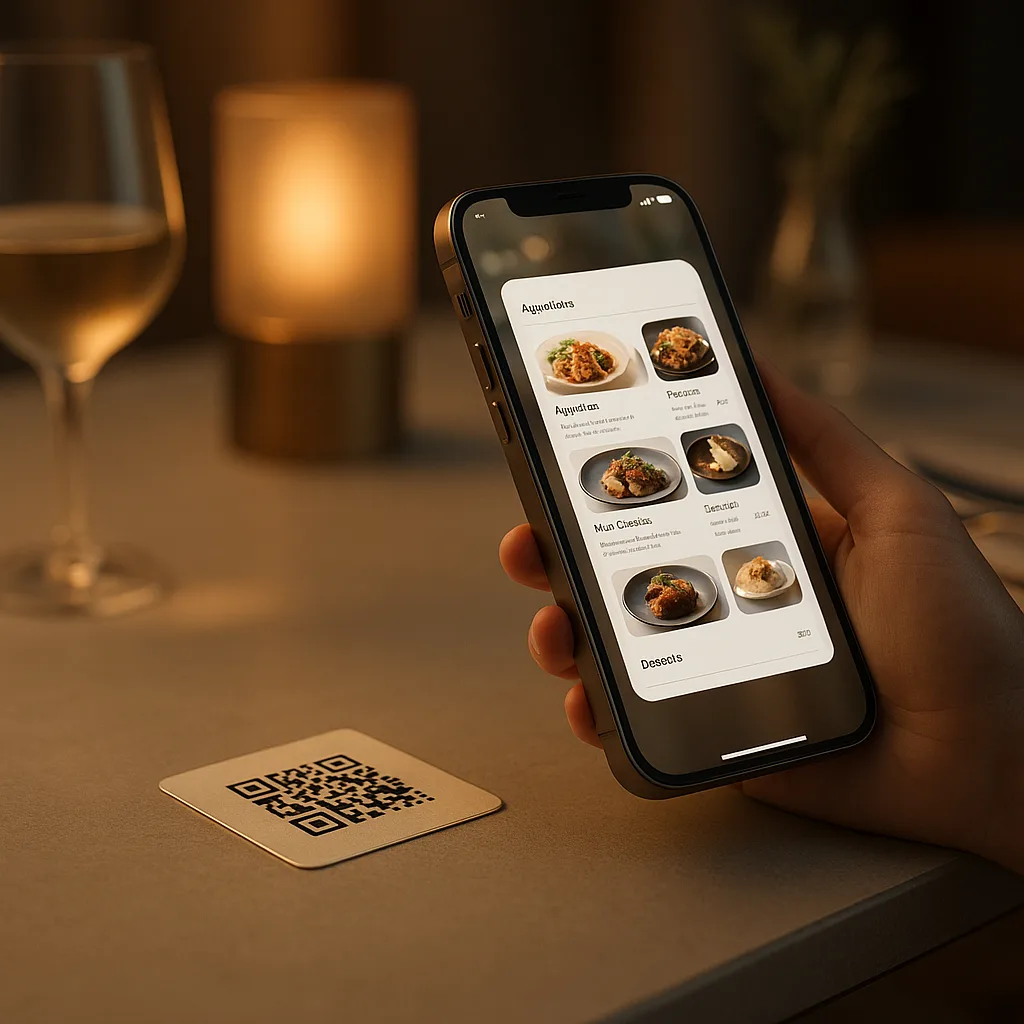
Guests scan the table QR code, browse the menu, place the order and, when checkout is configured, pay from their own phone. No download required.
Explore the application formats available for this product and choose the one that best fits your operation.
Guest ordering from a table QR, including menu, cart, checkout, payment, and order status.
One QR identifies the table, loads the current menu, and keeps ordering, configured checkout, and confirmation in one continuous flow.
Guests scan the table QR to open the published menu with its images, descriptions, and prices.
Guests send their selections from their phone when table ordering is enabled.
Offer the configured online payment methods within the same table flow.
Let guests choose among the languages published for the menu
Present add-ons and complementary items consistently before payment
Confirmed orders are sent to the configured kitchen display or printer
QR App removes the download and the paper menu without creating a disconnected ordering system for the restaurant.
No. The QR App is a web-based flow: the customer scans the QR, the browser loads the menu, the cart, and the checkout, and the order goes straight to the kitchen and the POS. No download, no account creation, no app store.
Yes. Customers can scan, view the open table ticket from the POS, split the bill, and pay by card via Disqober Online Payments — without waiting for a waiter or queueing at the counter.
QR App can exchange supported table, order, and payment data through a compatible POS connector. The exact read, write-back, and table-closing behavior depends on that connector and the venue setup.
Yes. One QR code per table can serve both: ordering (cart + checkout) before service, and pay-at-table once the POS opens a ticket. The customer decides which flow to enter based on what's happening at the table.
A QR menu shows a PDF. The Disqober QR App is a transactional ordering surface: it carries the menu, the cart, the checkout, the kitchen handoff, the POS integration, and the payment settlement, all in one flow.
No. QR App removes routine ordering and payment waits so the dining-room team can focus on service. Table App is a separate guest-ordering product for a dedicated table tablet; both can share the same menu and operational backend.