01
Table
Table ordering from a dedicated tablet, isolated from the commercial kiosk product by its setup and mode.
Table

A dedicated ordering surface at the table. Guests browse, order, request service and, when checkout is configured, pay while the dining room, kitchen, and compatible POS use the same order state.
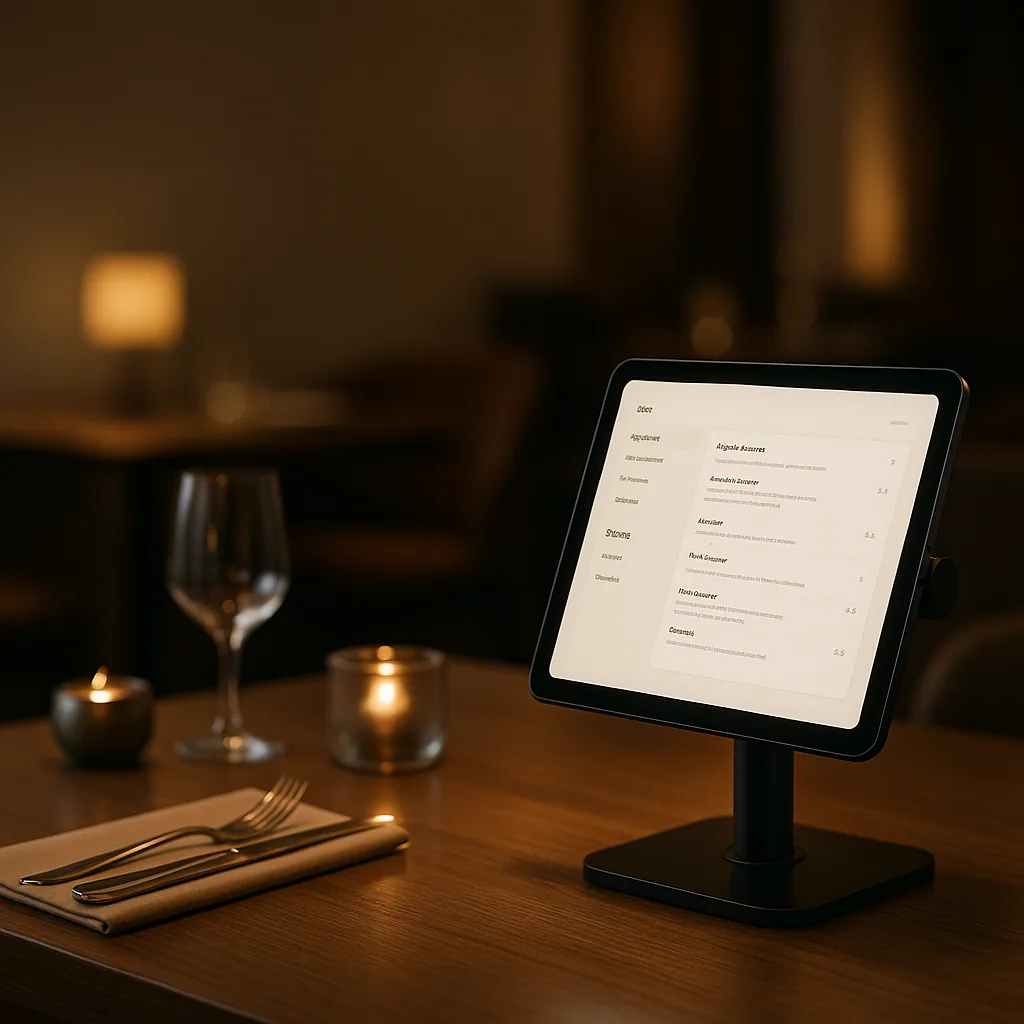
Explore the application formats available for this product and choose the one that best fits your operation.
Table ordering from a dedicated tablet, isolated from the commercial kiosk product by its setup and mode.
One continuous flow from the first item to payment. The dining room, kitchen, and checkout work from the same order state.
Guests browse and order from the tablet assigned to their table without downloading an app
Products, modifiers, availability, and allergen information stay current throughout service
Confirmed items reach the same kitchen and POS flow as every other channel without manual re-entry
Guests review the ticket, split the bill, and use the configured payment flow without queueing at the counter
Guests can request assistance, another round, or the bill from the same table interface
The table, kitchen, payment, and POS follow the same order state instead of creating a parallel queue
The dedicated table surface keeps guest actions inside the same configured service flow used by the dining room and kitchen.
Table App runs on a dedicated tablet assigned to the table. QR App opens on the guest's own phone after scanning a code. They are separate products with different interfaces, while sharing the menu, order state, kitchen flow, and POS connector.
Existing Android or iPadOS tablets may be reusable after validating browser support, screen size, power, mounting, and network conditions. Disqober Hardware can also be scoped in the proposal when a managed setup is preferred.
The Table App keeps the active menu cached for short network interruptions. Order submission still needs connectivity, so most restaurants run it on the same in-venue Wi-Fi as the POS.
Yes. Each Table App device is configured for its table context, so orders and service requests arrive with the correct table attached. The kitchen and POS receive the same table reference throughout the ticket.
Current commercial terms are loaded from Disqober's published plan catalog. See the pricing page for the Table App options available in your market; this product page does not maintain a separate handwritten price.